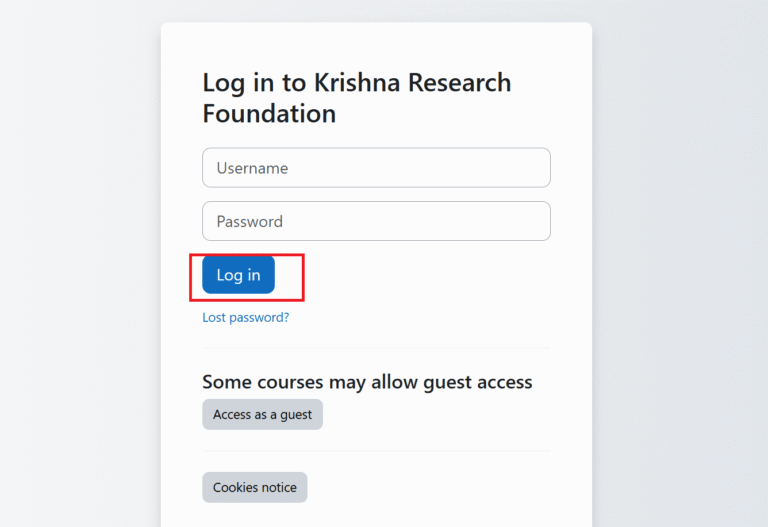
Step 1:
- download the .seb file shared with you
- run the .seb file by right-click and select open with safe exam browser
- login with your provided credentials.
Step 2:
- once you logged in you will be redirected to the assessment page
Step 3:
- click accept button
- attend all the questions.
- click finish
- click submit
- complete you assessment with final review
- all the best for your assessment today!.