Step 1:
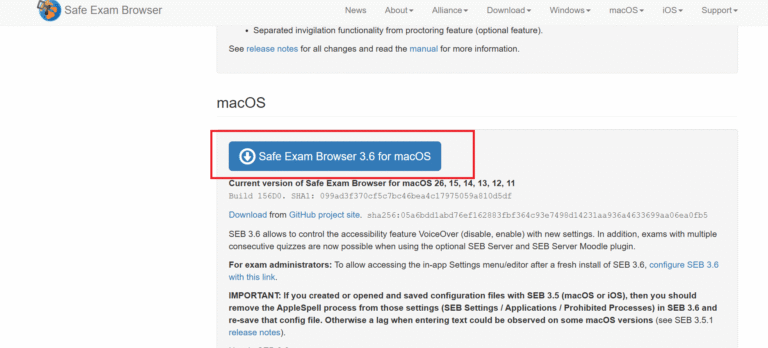
- For windows users , open safe exam browser download window then click download Safe Exam browser latest version
- follow the image given below to download Safe Exam Browser.
Step 2:
- once downloaded run SEB setup file on you device
- click next
- click finish
- Snap, click, installed! You’re ready to go.
Step 3:
- open and complete you assessment
- all the best for your assessment today!.
Step 1:
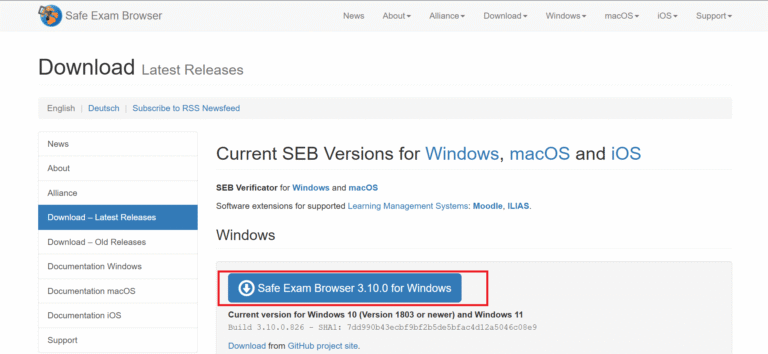
- For mac users , open safe exam browser download window then click download Safe Exam browser latest version
- follow the image given below to download Safe Exam Browser.
Step 2:
- once downloaded run SEB setup file on you device
- click next
- click finish
- Snap, click, installed! You’re ready to go.
Step 3:
- open and complete you assessment
- all the best for your assessment today!.